Animated screenshots
Turn a screenshot into an animated GIF or video
Add movement without recording a screen video. Place a static screenshot over an animated background, add moving sunlight or stickers, preview the loop, and export an animated mockup for a product launch or social post.
Animate a screenshotFree to start. No card needed.
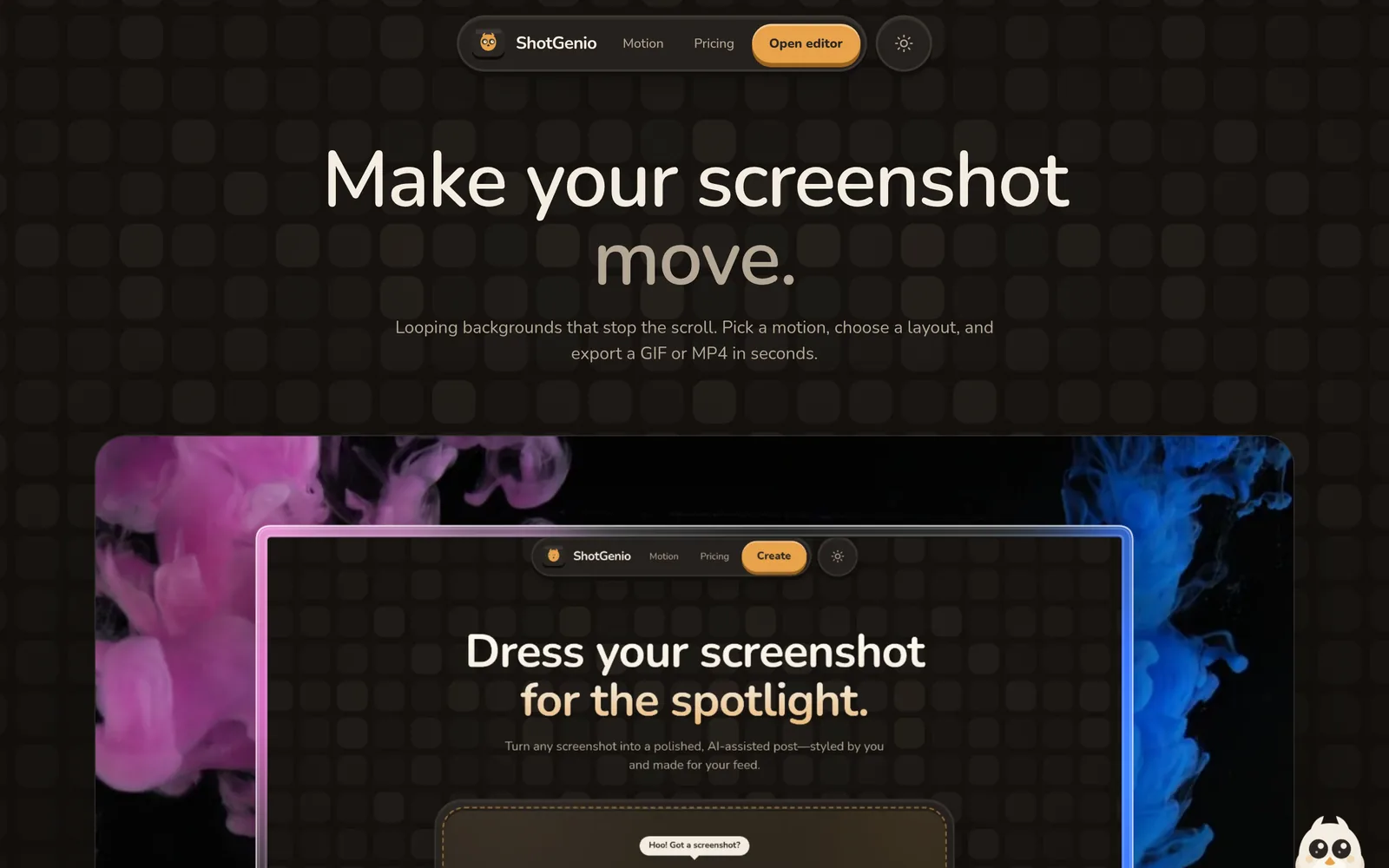
How to animate a screenshot
- 1
Add a screenshot
Upload the product screen, dashboard, website or app image you want to animate.
- 2
Add motion
Choose a motion background, animated sunlight or shadow overlay, and optional animated stickers.
- 3
Preview and export
Check the animation loop, then download it as GIF, MP4 or WebM.
Animated screenshot export tools
Motion backgrounds
Place the screenshot over looping abstract, gradient and video backgrounds.
Animated sunlight
Move window-light or leaf-shadow patterns over the composition for extra depth.
Animated stickers
Add moving emoji, arrows and logos to emphasize a launch or product result.
Device mockups
Combine motion with iPhone, MacBook or browser frames and 3D-style layouts.
GIF export
Create a looping image for channels and documents that accept animated GIFs.
MP4 and WebM export
Export video formats for social posts, websites and product announcements.
Questions
Can I turn a screenshot into a GIF?
Yes. Add a motion background or animated overlay, preview the loop and export it as a GIF.
Can I turn a screenshot into a video?
Yes. ShotGenio exports animated screenshot designs as MP4 or WebM.
Does the screenshot itself need to be animated?
No. A static screenshot can sit over a motion background or under an animated sunlight or shadow effect.
Can I animate an iPhone or browser mockup?
Yes. Apply a device or browser frame, add motion, then export the complete composition.
See pricing: free, or $4.99 once for the Lifetime Editor.