Social screenshots
Make screenshots ready for social media
Turn one product screenshot into a graphic that fits the channel where you plan to share it. Choose an exact social size, add a background and frame, mark the important detail, and export a still image, GIF or video from the browser.
Make a social screenshotFree to start. No card needed.
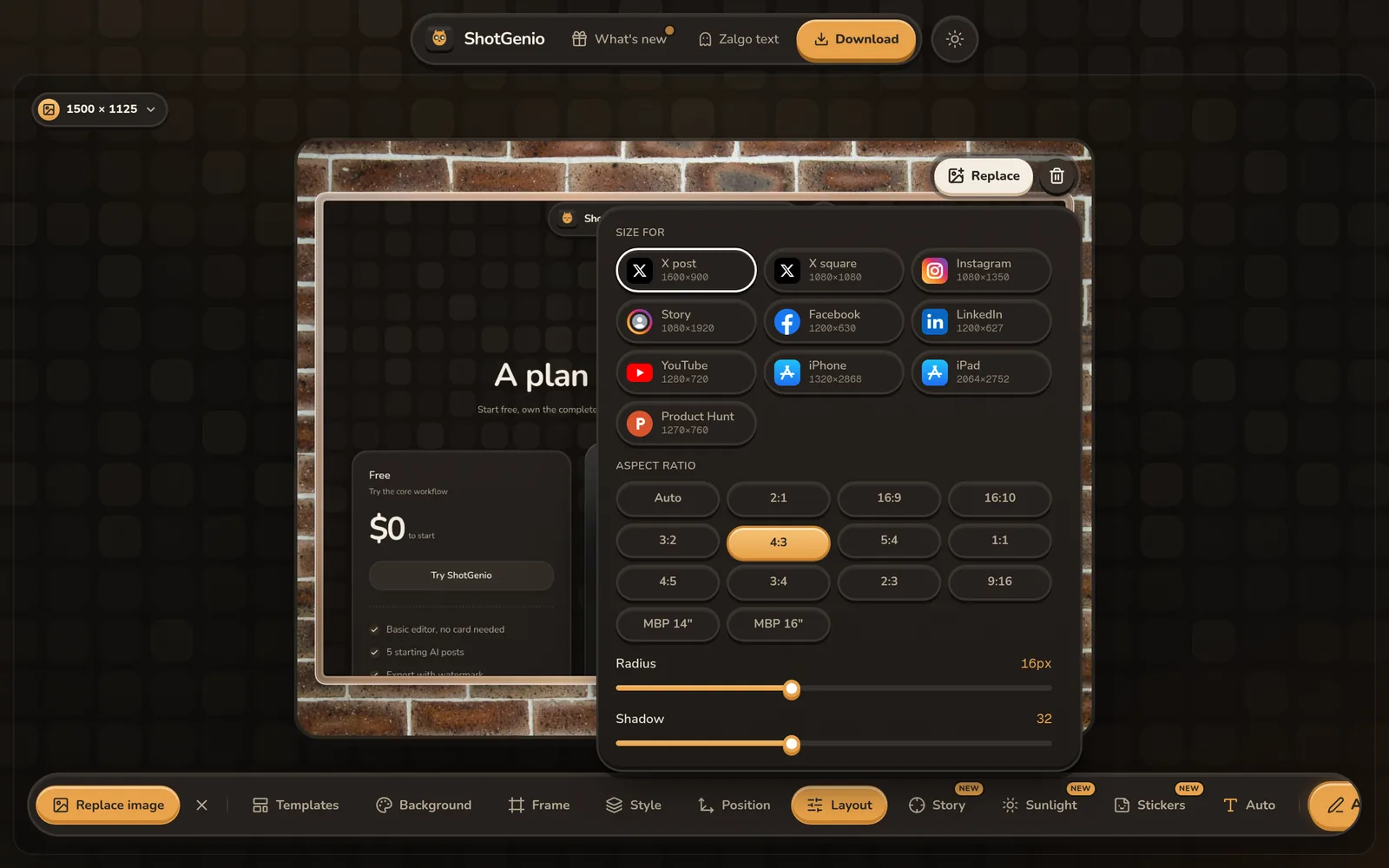
How to format a screenshot for social media
- 1
Choose the platform size
Start with a preset for X, Instagram, Stories, Facebook, LinkedIn, YouTube or Product Hunt.
- 2
Style the screenshot
Add a background, device or browser frame, shadow, text and annotations.
- 3
Export and post
Download the exact composition as an image, GIF or video and share it on the selected platform.
Screenshot sizes for social platforms
X post images
Use landscape or square presets and optionally generate a short AI caption from the screenshot.
Instagram posts and Stories
Create square, portrait and vertical graphics without guessing the canvas dimensions.
LinkedIn graphics
Present dashboards, launches and product updates with space for a clear visual hierarchy.
YouTube and Product Hunt
Reframe product screens for thumbnail and launch-gallery proportions.
Reusable visual style
Keep backgrounds, frames, spacing and annotation colors consistent across channels.
Image and motion formats
Export as PNG, JPG, WebP, GIF, MP4 or WebM, depending on the design and destination.
Questions
What size should a social media screenshot be?
The best size depends on the platform and placement. ShotGenio provides presets for landscape, square, portrait, Story, thumbnail and launch-gallery formats.
Can I reuse one screenshot for several platforms?
Yes. Change the canvas preset and adjust the composition while keeping the same background, frame and visual style.
Can AI write the social post?
ShotGenio can read the screenshot and draft a short X caption, which you can refine in chat or ask to rewrite for another social platform.
Can I export an animated social screenshot?
Yes. Add a motion background or animated overlay and export as GIF, MP4 or WebM.
See pricing: free, or $4.99 once for the Lifetime Editor.