Screenshot backgrounds
Add a background to any screenshot
A good background separates a screenshot from the feed around it and gives labels, shadows and device frames room to breathe. ShotGenio lets you place a screenshot on a gradient, photo, wallpaper, wall texture or motion loop, then adjust the spacing and export size in your browser.
Add a screenshot backgroundFree to start. No card needed.
How to add a background to a screenshot
- 1
Upload the screenshot
Drop in an app screen, website capture, dashboard, message or product image.
- 2
Choose a background
Pick a gradient, mesh, wallpaper, photo, wall texture or animated motion background.
- 3
Finish the layout
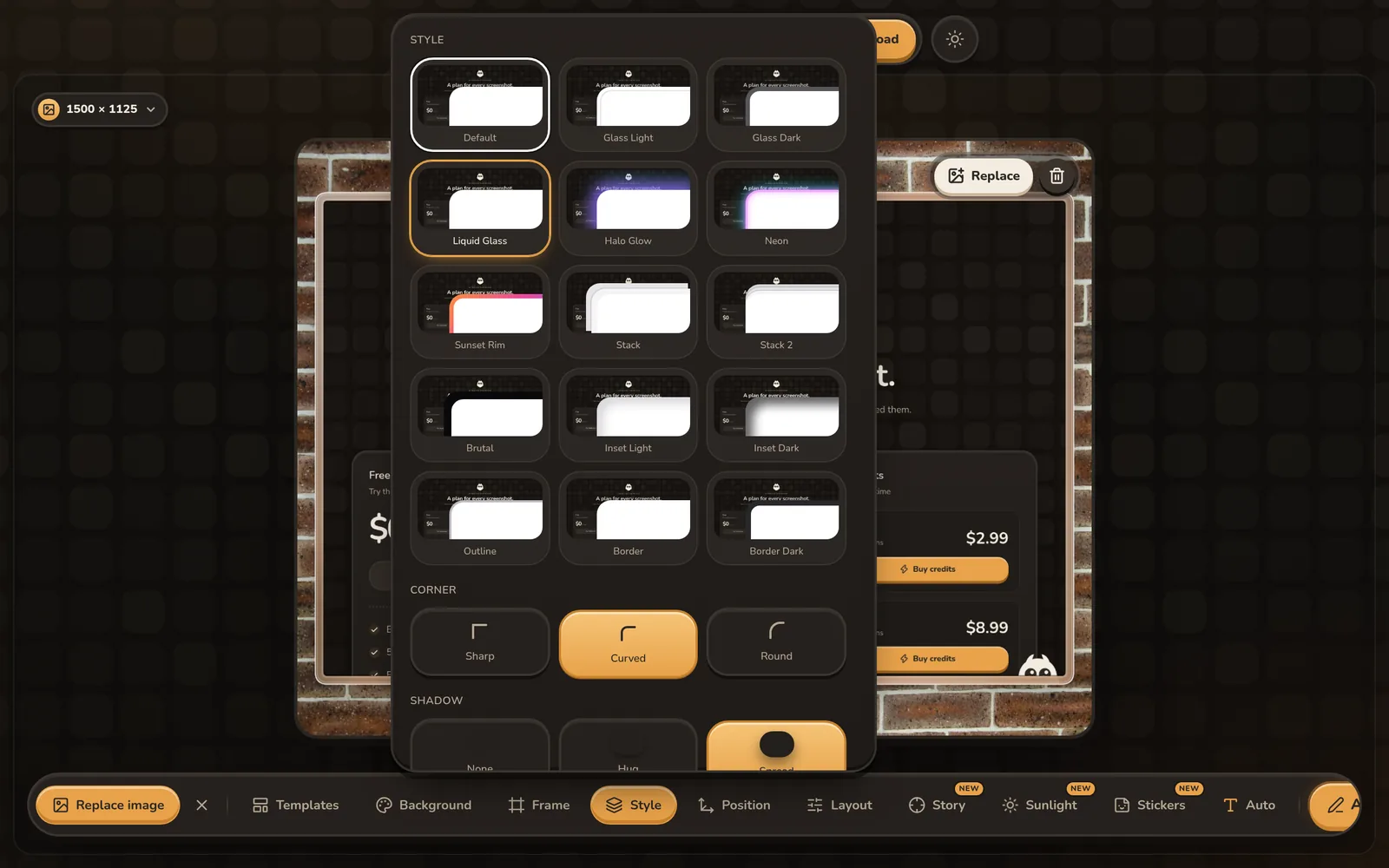
Adjust padding, rounded corners, shadow and output size, then download the finished design.
Screenshot background and styling options
Gradient backgrounds
Choose smooth, mesh and vibrant gradients, then adjust colors to suit the screenshot.
Photo backgrounds
Place product screens on photographic backgrounds with enough contrast to keep them readable.
Wall and wallpaper styles
Use textured walls and desktop-inspired wallpapers for a more physical presentation.
Motion backgrounds
Put a screenshot over an animated loop and export the result as a GIF or video.
Padding and rounded corners
Control the space around the screenshot and soften its corners without another design app.
Shadows and sunlight
Add depth with a soft drop shadow or an animated window-light or leaf-shadow overlay.
Questions
How do I put a background behind a screenshot?
Upload the screenshot, select a background in the editor, and adjust the padding so the background is visible around the image.
Can I change the background colors?
Yes. Gradient controls let you choose colors that complement your screenshot or match your visual identity.
Can the screenshot background move?
Yes. Choose a motion background and export the design as GIF, MP4 or WebM.
Can I add a shadow and rounded corners?
Yes. Padding, corner radius and shadow controls are available in the same editor.
See pricing: free, or $4.99 once for the Lifetime Editor.