Screenshot branding
Style screenshots to match your brand
Turn repeated product screenshots into a recognizable visual series by using consistent colors, backgrounds, spacing, text and framing. ShotGenio gives you the manual controls to create that look in your browser for launch posts, product updates and social media.
Style a screenshotFree to start. No card needed.
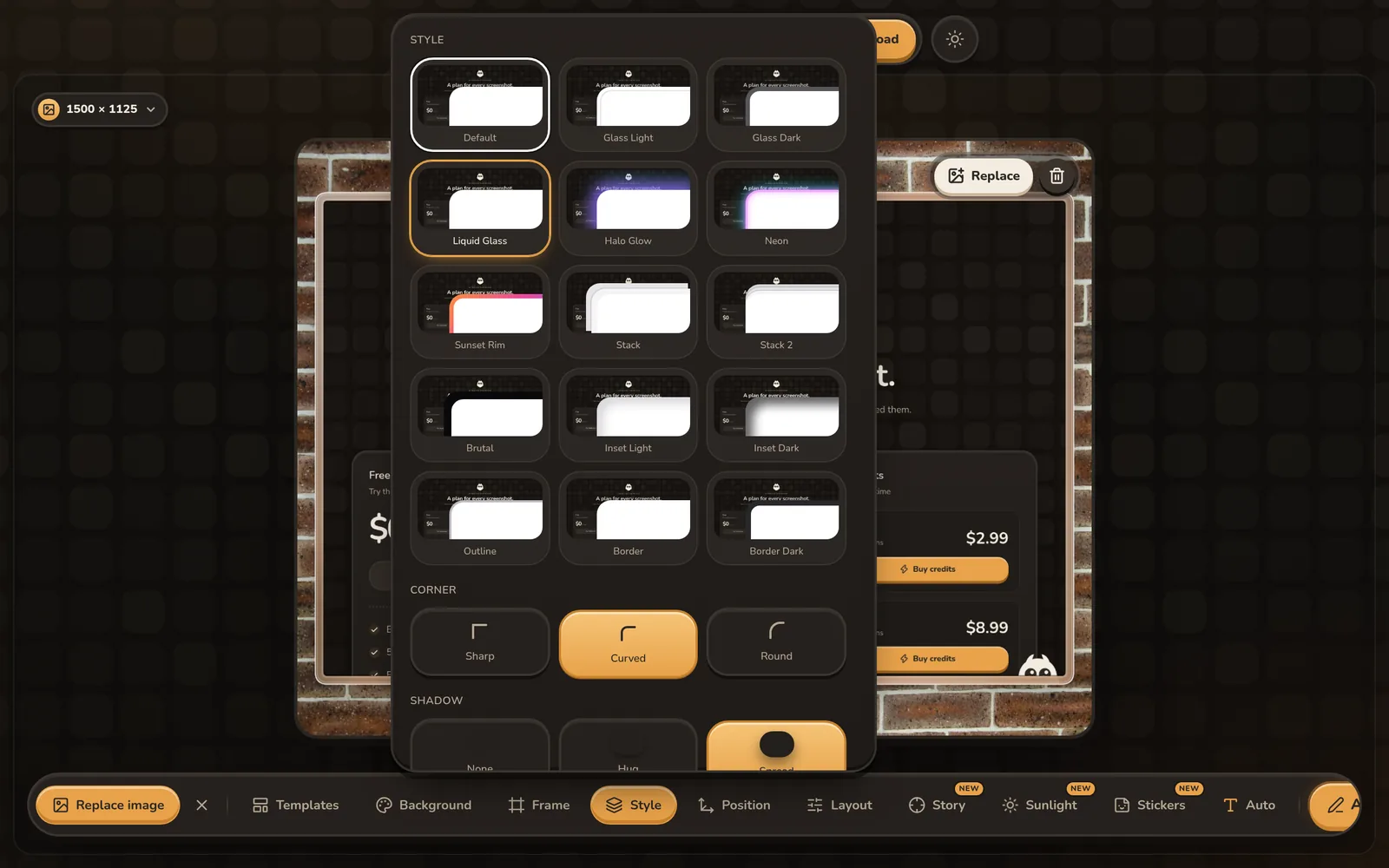
How to create branded screenshot graphics
- 1
Choose consistent colors
Select gradient colors or a background style that fits your visual identity.
- 2
Build the composition
Apply the same padding, corners, shadow, frame and text treatment across screenshots.
- 3
Export for each channel
Use exact social presets while keeping the visual treatment consistent.
Manual screenshot branding controls
Custom gradient colors
Choose colors that complement your product interface and repeat them across designs.
Consistent spacing
Use padding, corner-radius and shadow controls to give screenshots the same visual rhythm.
Text and callouts
Add short labels, arrows, shapes and highlights that use a consistent color and stroke.
Device and browser frames
Present app and website screens in matching iPhone, MacBook or browser mockups.
Platform sizes
Recompose the visual for X, Instagram, LinkedIn, YouTube, Product Hunt and the App Store.
Static and motion styles
Use the same screenshot treatment with still backgrounds, GIFs or video exports.
Questions
Can I use my brand colors?
Yes. Choose custom gradient colors and reuse the same background, spacing and annotation colors across screenshot graphics.
Does ShotGenio include a saved brand kit?
Not yet. Branding controls are manual, so the editor does not currently save a reusable logo, font and color kit.
Can I add text to a branded screenshot?
Yes. Add text annotations, arrows, shapes, highlights and numbered steps over the composition.
Can I create matching graphics for several platforms?
Yes. Use the same visual treatment with presets for major social platforms and the App Store.
See pricing: free, or $4.99 once for the Lifetime Editor.